
🔥 Top Pokies at Royal Reels Casino














Join Royal Reels Casino today
Create your Royal Reels Casino account in about two minutes and move directly to secure account access. We ask for accurate personal information, a strong password and basic contact details. Once registered, you can sign in from your phone or computer. Canadian players can manage deposits in CAD throughout.
The registration form works in a mobile browser without a separate download. Saved contact information can shorten the process, although you should check every field before submitting it. Verification protects access to payments and withdrawals. Our 24/7 live chat can help if a form field or document causes trouble.
Your account opens the game lobby, payment area and personal settings from one dashboard. You can also use the secure login page whenever you return. Keep your password private and sign out when using a shared device. These simple habits help keep account access under your control.
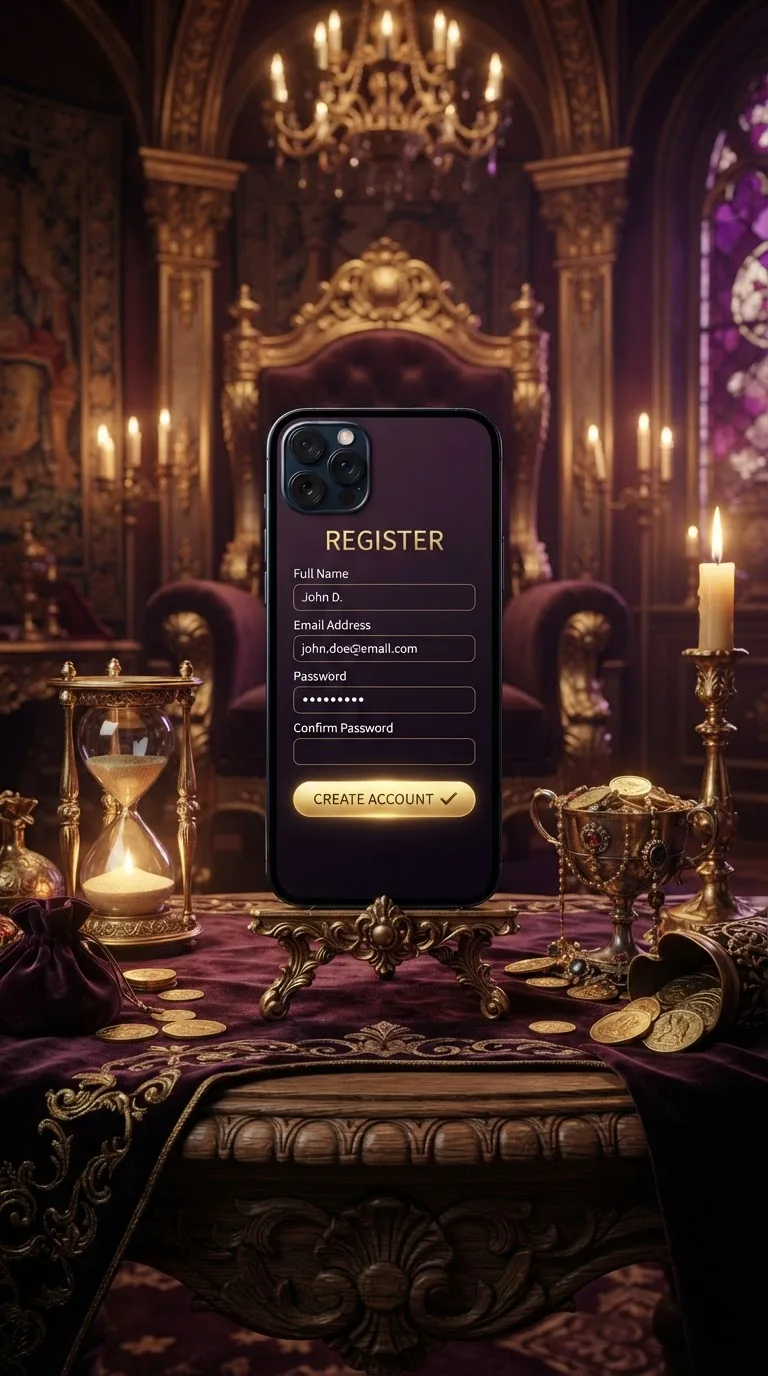
Register at Royal Reels Casino with a strong password
Royal Reels Casino uses a short registration flow built for smartphones and computers. Enter your legal details exactly as they appear on your identification. A strong password is required before the form can be submitted. This reduces the risk of another person guessing your login details.
Start by opening the registration form in your current browser. Use an email address and mobile number that you can access, as they may be needed for account checks. Avoid nicknames or shortened names in identity fields. Matching information helps prevent delays when you request your first withdrawal.
- Open the registration form on your phone or computer.
- Enter your legal name, birth date and Canadian address.
- Add an active mobile number and accessible email address.
- Create a unique password that you have never reused.
- Select CAD and review each field before submission.
- Complete the requested verification checks after registration.
Your password should combine upper-case letters, lower-case letters, numbers and symbols. Do not reuse a banking, social media or work password. A password manager can create and store a unique entry. Royal Reels Casino staff will never ask you to reveal your complete password through live chat.
Mobile sign-up uses the same fields as registration on a laptop or desktop. Portrait mode usually makes each field easier to read and correct. Allow the page to finish loading before pressing the submit button twice. If your connection drops, reopen the form and check whether the account was created.
- Use your full legal name without initials or nicknames.
- Choose CAD if you plan to deposit Canadian dollars.
- Check your postal code before submitting the form.
- Keep identification ready for the verification stage.
| Stage | Player action | Typical timing | What to check |
|---|---|---|---|
| Account creation | Submit completed registration form | About two minutes | Name, birth date and address match your identification |
| Contact check | Confirm the requested contact detail | A few minutes | Messages are accessible on your registered device |
| Account verification | Upload clear identity documents | Depends on document review | All corners and written details remain visible |
| Payment selection | Choose Interac, Visa, Mastercard or bank transfer | Under one minute | Payment account belongs to the registered player |
| Deposit entry | Enter at least C$10 | Under one minute | Amount and CAD currency are correct |
| Payment approval | Complete the provider approval screen | Usually a few minutes | Bank or card approval has been received |
| Balance update | Return to the cashier | After payment approval | Deposit appears in the cash balance |
| First game | Select a title and stake | Immediately after funds appear | Stake and available balance suit your budget |
Strict confidentiality for account information
We restrict personal information to staff members who need it for account support, identity checks or payment reviews. Royal Reels Casino does not ask players to post documents in public messages. Upload requested files only through the account verification area. Contact 24/7 live chat if a request appears unusual.
Registration information supports identity and age checks before account services are fully used. Entering accurate details also makes later document comparisons easier. A blurred photo or cropped document can require another review. Clear colour images should show the complete document and all readable fields.
- Upload documents only through the account verification page.
- Cover no required names, dates or document edges.
- Sign out after using a public or shared computer.
- Never send your password through a chat message.
Verification may request government-issued photo identification and proof of your current address. The first withdrawal takes longer because document checks are separate from payment processing. Once the account is verified, withdrawals are typically processed within 24 hours. First-time checks may add one to three business days before that processing window begins.
| What is protected | Protection layer | Player benefit | Your action |
|---|---|---|---|
| Login password | Private sign-in credentials | Limits access to the registered account holder | Use a unique password and keep it private |
| Personal details | Restricted staff access | Information is viewed only for relevant account tasks | Keep your profile information accurate |
| Identity documents | Controlled verification upload | Files remain connected to the account review | Upload clear and complete colour images |
| Payment details | Account-name comparison | Helps prevent third-party payment use | Use a payment method registered in your name |
| Account changes | Identity and contact checks | Reduces unauthorized profile edits | Contact live chat from your registered account |
| Shared-device access | Manual sign-out control | Ends access when you finish playing | Sign out and close the browser |
| Withdrawal requests | Verification before processing | Confirms the payment request belongs to you | Complete document checks before withdrawing |
Auto-fill and access across devices at Royal Reels Casino
Your phone can fill saved names, addresses and contact details into the registration form. Review every entry because older saved information may contain a previous address or telephone number. Royal Reels Casino compares submitted details with later verification documents. Correct information helps avoid manual corrections.
You can register on a smartphone and sign in later from a computer. The same account balance, game history and personal settings remain connected to your profile. Visit our mobile access page for supported phone and tablet options. You do not need to create a second account when changing devices.
A stable internet connection helps prevent interrupted submissions. Satellite connections, including Starlink, can be used when the connection provides consistent access and your physical location permits play. Avoid changing networks while uploading identification. If the session closes, sign in again before resubmitting any document.
| Problem | Common approach | Our approach | Player action |
|---|---|---|---|
| Slow form completion | Long multi-page application | Focused form taking about two minutes | Keep legal and contact details ready |
| Mobile typing errors | Small fields without saved data | Browser auto-fill support | Review saved entries before submission |
| Repeated account creation | Separate profiles for each device | One account across phone and computer | Use the same login details everywhere |
| Verification delays | Cropped or unreadable document images | Clear upload guidance during review | Show all four document corners |
| Payment confusion | Methods unrelated to Canadian players | Interac, Visa, Mastercard and bank transfer | Select CAD before making a deposit |
| Unexpected minimums | Amount shown late in the cashier | C$10 minimum deposit shown before approval | Confirm the amount before paying |
| Account assistance | Limited service windows | 24/7 live chat | Describe the exact field or message shown |
Account benefits from your first sign-in
A registered account gives you access to the full lobby, cashier and personal settings. Royal Reels Casino lets you search by game name and browse categories from the same profile. Recently played titles are easier to revisit after signing in. Favourite selections remain linked to your account.
You can filter the lobby by game type or search for a specific title. Each game page displays the available play controls before you place a real-money stake. Check the stake value every time you switch titles. Different games can open with different default bet amounts.
The cashier supports Interac, Visa, Mastercard and bank transfer. Deposits start at C$10, and Canadian players can select CAD to keep their playing balance in local currency. Choosing CAD avoids extra conversion steps on your end. Your bank or card provider may apply its own conversion terms if a different currency is chosen instead.
| Account capability | How it works | Player benefit | Example use |
|---|---|---|---|
| Title search | Enter part of a game name | Finds matching titles quickly | Return directly to a known game |
| Category browsing | Open the relevant lobby section | Reduces unrelated results | Browse slots or live dealer tables |
| Recently played | Records titles opened while signed in | Makes returning to games easier | Continue with yesterday's selection |
| Favourite games | Save selected titles to your profile | Creates a shorter personal list | Keep regular choices together |
| Device continuity | Uses one profile across supported browsers | Preserves account settings between devices | Move from phone to laptop |
| Cash balance | Displays available real-money funds | Shows the amount ready for play | Check funds before selecting a stake |
| Transaction history | Lists completed account payments | Supports personal payment tracking | Review an Interac deposit |
Register and verify your Royal Reels Casino account
Open the registration form and set aside about two minutes. Submit accurate details, create a unique password and check your selected account currency. Royal Reels Casino then gives you access to your profile and verification area. Complete verification early to reduce delays around your first withdrawal.
Have a valid photo ID and recent proof of address ready before uploading files. Clear images are easier to review than screenshots with cropped edges. Use the 24/7 live chat if a document is rejected. The support team can explain which field or image needs correction.
After verification, sign in and choose a payment method registered in your name. The minimum deposit is C$10 through Interac, Visa, Mastercard or bank transfer. Check the balance before opening a game. Registration, verification and payment controls remain accessible from the same account.
For general information on provincial gambling oversight in Canada, players can refer to resources such as the AGCO or ConnexOntario.
Registration and account FAQ
How do I create a strong password for our casino?
Use a long, unique password with upper-case and lower-case letters, numbers and symbols. Avoid names, birthdays and repeated passwords from other services. A password manager can create and store the entry. Never share your complete password with another person.
Can I register at our platform using a Starlink satellite connection?
Yes, you can register through Starlink when the connection is stable and access is permitted from your physical location. Keep the same connection active while submitting the form. A network change during document upload may end the session. Sign in again before retrying an interrupted upload.
How can I request a temporary restriction on my account access?
Contact our 24/7 live chat from your registered account. The team will explain the account-access options that apply to your request. Identity confirmation may be required before a change is made. Do not create another account while a restriction is active.
Is it safe to upload a passport photo to this casino?
Upload passport images only through the account verification area. The image should be in colour, readable and show all four corners. Staff access is limited to relevant account tasks. Live chat can confirm whether a document request appears inside your account.
What triggers age verification at the site?
Age and identity checks can occur during registration, payment review or before a withdrawal is processed. Your legal name and birth date must match your identification. An unclear or expired document can require another upload. Complete these checks early to avoid a later delay.
Where can I check the current sign-up offer at our gambling site?
Current offer terms appear on our bonuses page. Read the complete conditions before choosing to participate. Registration does not require you to accept an offer. Live chat is available around the clock for account questions.
How is my the operator login protected?
Your account uses private sign-in credentials and controlled access to personal information. Choose a password that is unique to this account. Sign out after playing on a shared device. Report any unfamiliar account activity through 24/7 live chat.
Does our gaming platform perform a credit check upon registration?
No credit check is performed when you create an account. Registration requires identity, age, address and contact information. Payment and verification checks are separate from a credit application. Deposits use the funds approved by your selected payment provider.