
🔥 Top Pokies at Royal Reels Casino














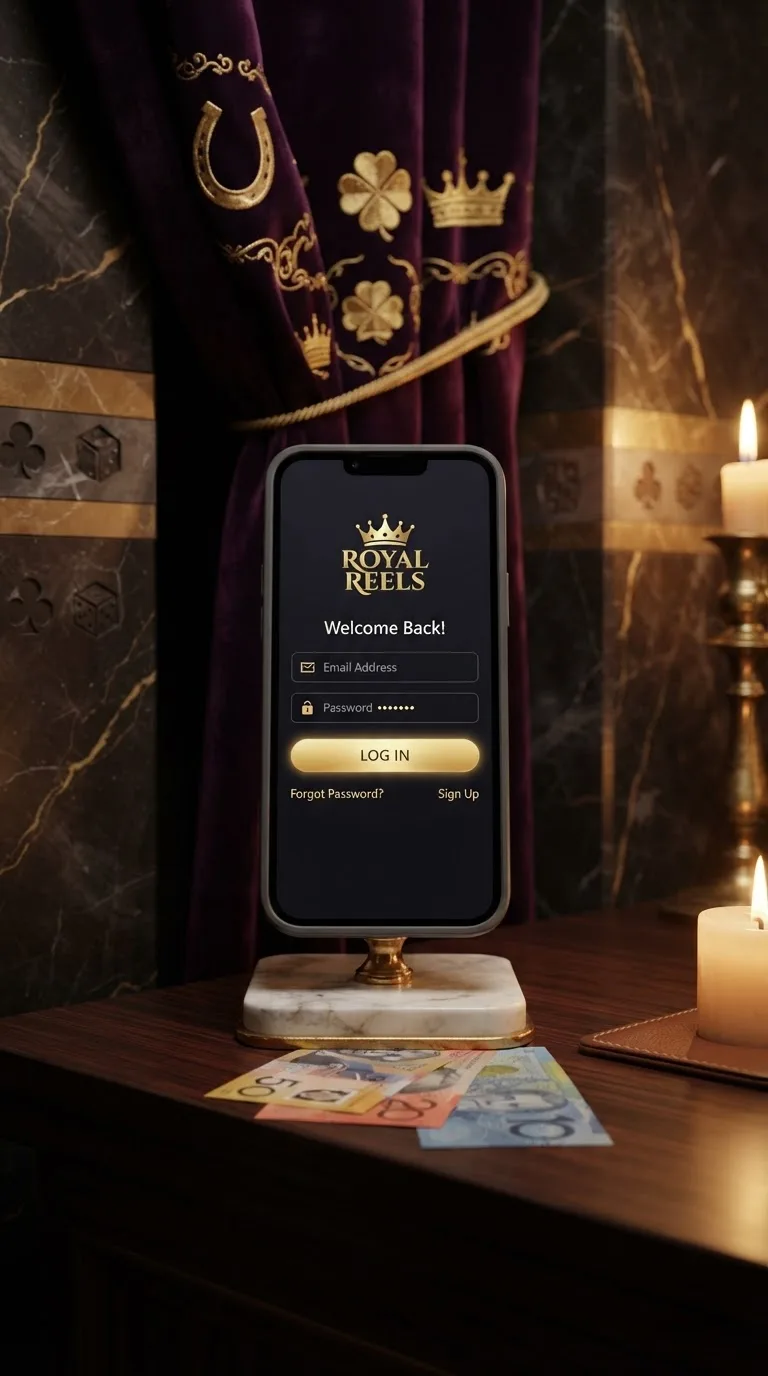
The Royal Reels Casino login dashboard for fast account access
The login takes you straight to your account, games, balance, and transaction history. We keep the same account access available on desktop, tablet, and mobile screens. Your mobile login follows the same secure process as desktop access, so you can check your balance or return to a game without changing devices.
Royal Reels Casino is the official website for English-speaking Canadian players using CAD. Enter your registered email address and password, then complete any requested account check. If you have not created an account, our register page guides you through a sign-up that takes about two minutes.
Our 24/7 live chat can help with access questions at any stage. Account assistance stays within the live chat channel rather than email. The login also works with the payment account connected to your profile, including Interac, Visa, Mastercard, and bank transfer.
Use Face ID or fingerprint to log in fast
Face ID and fingerprint access can reduce the number of steps needed on a supported mobile device. First, log in with your account details on the device you use regularly. After your phone offers biometric access, follow the on-screen instructions to approve future sign-ins.
- Open the login page on your phone.
- Enter the email address registered to your account.
- Type your password with its original capital letters.
- Approve Face ID or fingerprint access when prompted.
- Check the welcome message before opening your account area.
After a successful sign-in, you see a welcome message confirming that your account area has loaded. The dashboard shows your available balance, account menu, games area, and banking options. A familiar message gives you a quick visual check that you reached your own account rather than a saved browser screen.
If the message does not appear, refresh the page once and check your connection. Avoid entering your details repeatedly because several failed attempts can trigger an account check. The login remains available through the standard browser sign-in if biometric access is switched off.
Biometric access does not replace your account password. You may still need the password after a device restart, a security update, or a longer period away from the account. Keep your phone's operating system current and use a private device for account access.
How to avoid phishing scams
Phishing messages try to copy a casino login page and collect account details. We monitor account activity around the clock for unusual sign-in patterns and security threats. Before entering your password, check that you opened the official website directly rather than following an unexpected message.
- Open the site from your saved browser bookmark.
- Check the address bar before entering account details.
- Ignore messages requesting your password or payment PIN.
- Use the 24/7 live chat for suspicious account messages.
We do not ask you to send your password through chat or a social media message. A request for remote access to your phone is also a warning sign. Close the page and start a fresh session from your saved bookmark if anything looks unusual.
Our live monitoring reviews sign-in activity in real time, including repeated attempts and changes in access patterns. An unusual event may lead to an additional identity check before your dashboard opens. This step protects the account even when a player's password has been exposed elsewhere.
Choose a password that you do not use on another website. Do not store it in a public browser profile or share it with another person. Account access works best when your login details remain private and your device has a screen lock enabled.
Multi-factor authentication options
Multi-factor authentication adds a second identity check after your password. The available method depends on the account setting and the device used for access. We recommend choosing a method you can reach quickly without sharing a verification code with anyone.
SMS verification sends a code to the mobile number connected to your profile. A TOTP app creates a changing code on your device, while an email check sends a confirmation message to your registered address. Our live chat can explain the next step if a code does not arrive.
The table below compares common sign-in checks in practical terms. "High" and "medium" describe the level of account protection provided by the method, not a guarantee against every form of fraud. Recovery speed depends on your access to the registered device or account.
| Method | Security grade | Setup complexity | Recovery speed |
|---|---|---|---|
| SMS code to registered mobile | High | Simple, one phone number required | Usually immediate when the phone is active |
| SMS code after a new browser sign-in | High | Simple, browser approval required | Usually immediate after code entry |
| TOTP authentication app | High | Moderate, app pairing required | Immediate with the paired device |
| TOTP code after password reset | High | Moderate, second check follows reset | Fast when the authenticator remains available |
| Email confirmation link | Medium | Simple, registered inbox required | Usually fast when inbox access is available |
| Email confirmation for a new device | Medium | Simple, link approval required | Usually fast after link selection |
| Live chat identity check | High | Account details and identity answers required | Depends on the account review |
| Manual identity review after repeated failures | High | Documents may be requested | Longer than a standard code check |
Two-factor authentication on mobile
Mobile two-factor authentication checks both your account details and the device used to sign in. We may ask for a second confirmation when your phone, network, or access pattern changes. This helps distinguish your usual mobile session from an unfamiliar login.
Automatic location checks compare the general access region with the account information on file. They do not replace identity verification and do not rely on an exact street address. A normal Canadian mobile connection can still prompt a check when the network changes between Wi-Fi and mobile data.
- Keep location permissions active for the casino browser.
- Use one regular mobile network when possible.
- Complete the second check before opening games.
- Contact live chat if a normal location is rejected.
Public Wi-Fi can make a mobile login look different from your usual session. Switching to your regular mobile data connection may resolve a repeated prompt. The login can also be completed on desktop while you restore access to your phone.
Do not approve a two-factor request that you did not initiate. An unexpected code may indicate that someone is attempting to use your password. Change the password through the recovery flow and contact our 24/7 live chat if the messages continue.
Our mobile pages adapt to smaller screens, so you can review the dashboard without downloading a separate file. Players who prefer a dedicated mobile route can open the app page for access instructions. Use only the links provided through our official website.
Quick fixes for Royal Reels Casino login access issues
Canadian players can use this platform where access is permitted for their location and account circumstances. A browser may show an access denied message when it detects a VPN, proxy, or unusual network route. Disable the VPN, close the browser, and reopen the official login page through your usual connection.
A VPN can make a normal Canadian session appear to come from another region. It may also cause repeated location checks or prevent the page from loading correctly. We recommend using a direct connection and avoiding mirror domains or third-party access pages.
- Turn off any VPN or proxy service.
- Close every casino browser tab.
- Reconnect through your usual Canadian network.
- Open the official login page again.
- Use the app page if the browser still shows an error.
If the website works on mobile data but not home Wi-Fi, restart your router and check whether its content filter blocks the page. An internet service provider can also apply temporary access controls. The login page cannot override a restriction applied by your network provider.
Clear the site's stored cookies if the page returns to an old session. Your browser should allow JavaScript and cookies for the account dashboard to load properly. Do not clear saved passwords until you have confirmed that you know the current password.
When the issue continues, our 24/7 live chat can check the account status and explain the next step. We may ask you to confirm account information before discussing access. The fastest route is usually the official mobile page or a fresh browser session without a VPN.
Verification rejected? Resubmit correctly
Password recovery starts with the email address registered to your account. Select the password reset option on the login screen and enter that address carefully. We send the reset instructions to the registered inbox, so check the spam or junk folder if the message is not visible.
- Select the password recovery link on the login screen.
- Enter your registered email address without extra spaces.
- Open the latest reset message in your inbox.
- Choose a new password with matching capital letters.
- Return to the login page and sign in once.
Use the newest reset message if you request more than one. Earlier links may stop working after a newer request is created. A reset link should be used privately and should never be forwarded to another person.
If identity verification is rejected, compare the submitted information with your account profile. Names, dates, and document details should match the information used during registration. Take a clear image with all corners visible, and avoid glare that hides printed details.
Our verification process may require an additional account check after repeated failed passwords or unusual activity. The login will return to normal after the requested step is completed. Live chat can explain which part of the process needs attention without asking for your password.
| Challenge type | Verification document | Reset method | Processing speed | Final result |
|---|---|---|---|---|
| Forgotten password | Account email address | Email reset link | Usually immediate delivery | New password can be created |
| Reset message not visible | Account email and inbox check | Email resend | Usually fast after resend | Latest reset link becomes active |
| Capital letter mismatch | Account email address | Email reset link | Usually immediate delivery | Password can be replaced |
| New device review | Account details and second check | Email or SMS | Usually fast with device access | Device sign-in can continue |
| Repeated failed sign-ins | Identity information may be requested | Live chat review | Depends on account checks | Access review is completed |
| Document image rejected | Clear replacement document image | Live chat guidance | Longer than a password reset | Verification can be resubmitted |
| Changed mobile number | Account identity information | Live chat review | Depends on account checks | Contact method can be reviewed |
| Locked account after security alert | Identity check requested by support | Live chat review | Depends on the requested evidence | Account status is explained |
Royal Reels Casino login reliability and account protection
Our operator keeps account access focused on a clear sign-in process and a separate verification step when activity changes. We monitor sign-in events continuously and route unusual cases to an account review. This gives players a defined path when a password, device, or network no longer looks familiar.
Account information is handled through controlled access, and staff support follows account verification before discussing private details. Employees do not need your password to assist with a login problem. Use live chat for account questions and keep identity documents inside the requested verification flow.
Payments are available through Interac, Visa, Mastercard, and bank transfer. Withdrawals are processed within 24 hours once your account is verified, while a first withdrawal may take 1 to 3 extra business days for identity document checks. That first review is separate from the stated 24-hour processing window.
Our practical rating for account access is 4 out of 5, based on the clear recovery flow, mobile compatibility, and round-the-clock live chat. The login is designed for players who want direct access without repeating registration steps. Your account remains connected across supported devices after the sign-in check is complete.
Your session is waiting
Open the Royal Reels Casino login page and enter the details connected to your account. We protect the sign-in process with secure browser connections and account checks designed to keep access limited to the account holder. A successful login returns you to your dashboard rather than sending you through registration again.
Mobile users receive the same account access as desktop players, with Face ID or fingerprint support on compatible devices. If a location check interrupts the session, turn off your VPN and retry through your usual Canadian connection. Our live chat remains open 24/7 when a normal sign-in needs assistance.
After you log in, you can review your balance, open the games area, and manage banking options. Interac, Visa, Mastercard, and bank transfer are the available payment methods for account transactions. Withdrawals are processed within 24 hours once your account is verified, with a first withdrawal potentially taking 1 to 3 extra business days for identity checks. For current promotions, our register page outlines what is available to new players.
Use the login now, or create an account through our two-minute registration flow. Keep your password private and complete every requested account check on the same device where possible. The dashboard is ready for your next verified session.For any account questions, our support team is available around the clock. or ConnexOntario.
Frequently asked questions about login access
Are Royal Reels Casino passwords case-sensitive?
Yes. Capital letters, lowercase letters, numbers, and symbols must match the password created for your account. If the password is rejected, use the recovery option rather than making repeated attempts. The reset process sends instructions to the registered email address.
Do I need to enable JavaScript for Royal Reels Casino?
Yes, JavaScript should be enabled for the account dashboard, verification prompts, and banking pages to load correctly. Most current browsers enable it by default. If the page remains incomplete, allow JavaScript and cookies for the official website, then start a new session.
Why is Royal Reels Casino blocked by my internet service provider?
An internet service provider may apply its own access filter, or the browser may detect a VPN or proxy route. Disable the VPN, restart the browser, and try your regular Canadian connection. If the block remains, use the mobile page and contact our 24/7 live chat.
Does Royal Reels Casino support 4K monitors?
Yes. The website can open on a 4K monitor through a current desktop browser, although the dashboard does not require a 4K display. Browser zoom and operating system scaling can affect the way menus appear. Set the browser to its normal zoom level if buttons seem too small or widely spaced.
How long does an account hold on Royal Reels Casino last?
The length depends on the reason for the hold and the account checks requested. A short security hold may end after the required verification is completed, while a more detailed review can take longer. Contact 24/7 live chat for the current account status and the next required step.
What happens after a chargeback on a Royal Reels Casino account?
A chargeback can place the account under payment and identity review while the transaction is investigated. Access to some account functions may be restricted during that review. Contact live chat with the transaction information, and do not open another account to bypass the payment check.
Can I log in through the mobile page if the website is down?
You can use the mobile route when a browser session is not loading correctly. First check your connection and disable any VPN or proxy. The mobile page may avoid a browser-specific problem, but a wider service interruption can affect both access routes.
Is the Royal Reels Casino login page down right now in 2026?
A blank page or access error does not always mean that the login service is down. Check your connection, refresh once, and try the official mobile page without a VPN. If the issue continues, our 24/7 live chat can confirm the account access status.
How does Royal Reels Casino protect personal data from employees?
Account information is handled through controlled access, and support staff must verify the account before discussing private details. Employees do not need your password or a full payment card number for ordinary login assistance. Never share a password or one-time code in chat, email, or a social media message.